Nonprofit ticketing data has a habit of staying where it lands. The event runs, the tickets sell, and six months later the people who came are in a spreadsheet somewhere while your CRM has no idea they exist.
Most organizations reach for the word "integration" at this point and start asking about APIs. That is usually the wrong first question, and it is an expensive one to answer.
Here is what moving ticket data actually involves, which fields are worth carrying across, and how to tell whether you need an integration or just a better export.
What "Integration" Actually Means
There are three ways ticket data gets from your ticketing system into your CRM, and they differ enormously in effort. A manual export is a file you download and import. A scheduled sync moves data automatically on a timetable. An API connection lets two systems talk directly and continuously. Most nonprofits assume they need the third and would be better served by the first.
Three ways to move ticket data
Which Ticket Data Is Worth Moving
Not all of it. A ticketing export contains a lot of operational detail that has no business in your CRM, and importing everything makes your supporter records harder to use rather than richer.
What earns its place is anything that tells you about the person: name, email, phone, what they paid, which event they attended, whether they came as a table buyer or an individual, and whether they have attended before. That last one is the most valuable field you have and the one most often lost.
What usually does not belong: seat numbers, meal choices, check-in timestamps, internal ticket references. Those matter on the night and rarely afterwards. Keep them in the ticketing system where they were useful.
There is a compliance angle too. The IRS requires exempt organizations to keep books and records documenting the sources of receipts reported on their returns, so your transaction records need to be retrievable somewhere regardless of what you push into the CRM. An export you can find later satisfies that. A report locked inside a system you no longer subscribe to does not.
Start With Export, Not API
If you run two to six events a year, a spreadsheet export and a careful import will serve you better than any integration project. It takes an hour after each event, and an hour four times a year is not a problem worth engineering around.
The reason to start here is not just cost. Doing it manually once teaches you exactly which fields matter and how they should map into your CRM, and that knowledge is what any future automation depends on. Nonprofits that automate first usually end up syncing the wrong fields quickly.
Do the manual version for a full event cycle. If it is still painful by the third time, you now know precisely what to automate and why.
When You Actually Need an Integration
There are real cases for automation, and they share a shape. You need one when the manual work has become frequent enough to be a job rather than a task.
Look for these signals. You run events monthly or more often. You need supporter records updated in near real time, usually because another process depends on them. You are moving data between three or more systems, not two. Or you have someone technical on staff who will still be there in two years.
If none of those apply, an integration will cost you more in setup and maintenance than the hours it saves.
The Cost Nobody Budgets For
Integrations are not built once. They are maintained, and the maintenance is where nonprofits get hurt.
Systems change their fields. Someone renames a column and the sync fails silently for two months. The volunteer who set it up moves on and nobody left understands how it works. A CRM upgrade breaks the connection during your busiest week.
None of this is an argument against automation. It is an argument for automating only where the saving is large enough to justify owning the thing forever, and for making sure at least two people understand how it works.
How to Move Ticket Data Without a Developer
1. Export Right After the Event
Do it while the event is fresh and anything odd in the data still makes sense to you. Waiting three months turns a fifteen-minute job into an afternoon of guesswork.
2. Clean Before You Import
Fix the obvious problems in the spreadsheet first: duplicate email addresses, names in inconsistent formats, test transactions from when you were setting up. Importing mess into a CRM is much harder to undo than fixing it in a file.
3. Map Fields Once and Write It Down
Decide which export column goes to which CRM field, and keep that mapping in a document. Every future import becomes mechanical, and the knowledge survives whoever leaves.
4. Tag the Source
Mark every imported record with the event name and year. Without it you lose the ability to answer the question that matters most: who came last time and did they come back?
5. Check for Existing Records First
Most CRM imports offer duplicate matching on email address. Use it. A supporter who appears three times because they attended three galas is worse than not importing them at all.
Questions to Ask a Ticketing Provider
Before you choose a platform, or before you assume yours cannot do what you need, ask these.
Can we export all our data, including supporter details and transactions, in a usable format? Can we do it ourselves without asking support? What happens to our data if we stop using you? And is the export something a non-technical person can actually work with, or is it a raw dump?
That last question separates platforms more than any API discussion will. An export you can hand to your database volunteer is worth more than an integration you need a developer to maintain.
How GalaBid Fits
GalaBid provides spreadsheet exports of your event data, including ticket sales, supporter details and transactions, so the information you need for your CRM and your records is available without a technical project.
The bigger advantage is upstream of the export. A supporter registers once, and that same registration carries across ticketing, bidding, the raffle and donations. They do not enter their details again to bid, and you do not end up with the same person recorded three times.
That single registration is what makes the data usable later. A supporter who bought a ticket, bid on an item and gave at the paddle raise arrives in your export as one person with three actions against them, rather than as three records in three systems that you then have to match up by email address and hope.
It also lifts participation on the night. Anyone who has run an auction knows how many people never place a bid because registering in the middle of an event is one step too many. If they registered when they bought the ticket, that step is already done.
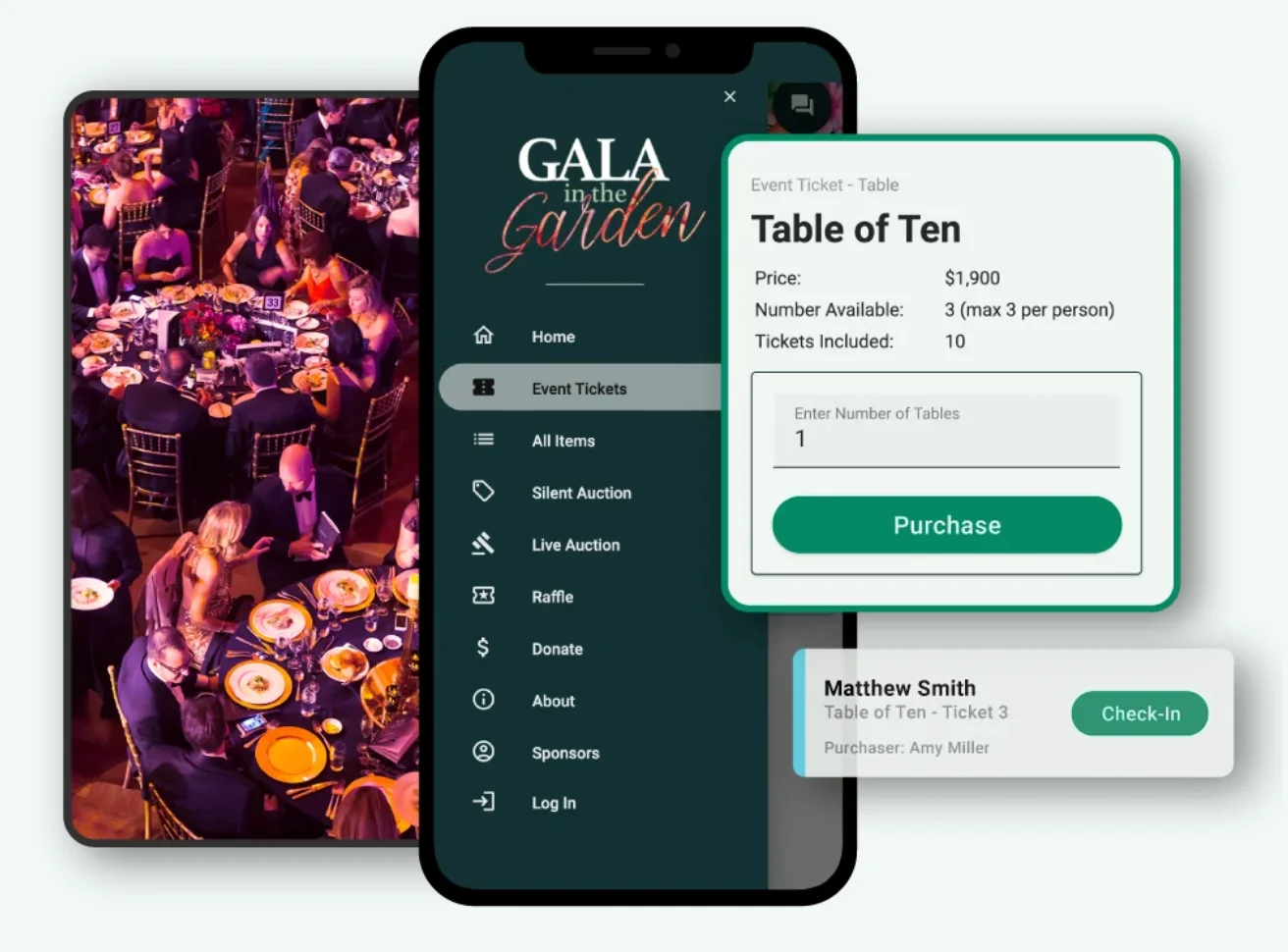
Table Sales and Guest Management matters here too. If a company buys a table of ten, capturing those guests individually is what gives you ten records to work with rather than one. See the full fundraising event features, or the nonprofit ticketing overview.
Frequently Asked Questions
Do nonprofits need an API to connect ticketing to a CRM?
Usually not. Organizations running a handful of events a year are better served by exporting a spreadsheet and importing it, which takes about an hour per event and needs no technical help. APIs make sense when events are frequent, data is needed in near real time, or several systems are involved.
What ticket data should go into a CRM?
Anything that describes the person or their relationship with you: name, contact details, amount paid, event attended, whether they came as an individual or part of a table, and their attendance history. Leave operational detail such as seat numbers, meal choices and check-in times in the ticketing system.
How often should you import event data into your CRM?
Straight after each event, while the data still makes sense to whoever exported it. Delayed imports become guesswork, and supporters who attended months ago are far less likely to be recognized as repeat attendees when you finally get to them.
Does using one platform for tickets and auctions reduce data work?
Considerably. When ticketing, bidding, raffle and donations run in one system, a supporter registers once and every action they take is attached to that single record. You export one row per person rather than reconciling the same person across three separate exports, which is where most event data work actually goes.
What is the risk of automating data between systems?
Maintenance. Fields get renamed, syncs fail quietly, and the person who set it up leaves. Automate only where the time saved clearly justifies owning the connection long term, and make sure more than one person understands how it works.
How long should nonprofits keep event ticket records?
Tax-exempt organizations must keep books and records documenting the sources of receipts reported on their returns, so transaction records need to remain retrievable. Keep your own copy of each event export rather than relying on a platform you may not subscribe to in future, and confirm retention periods with your own adviser.
In Summary
Ask what data you need and how often, not which API is available. For most nonprofits the answer is a clean export after each event, imported into fields you have mapped once and written down.
Move the details that describe the person, leave the operational detail behind, tag every record with the event, and keep your own copy of the export. Automate later, if the manual version is costing you more than the integration would.
And before any of that, reduce the number of systems the data has to come out of. The cheapest integration is the one you never have to build because the supporter only registered once.
More articles about Ticketing & Check-in for Fundraising Events
About GalaBid
Ideal for donations. Perfect for Raffles. Awesome for Live and Silent Auctions! GalaBid’s online fundraising platform is designed for fundraisers of all types and sizes. For over 10 years we’ve been helping non-profits, charities, community clubs, churches, schools, and individuals to raise more and make a difference.