FUNDRAISING EVENT FEATURES
Everything you need for a successful fundraising event
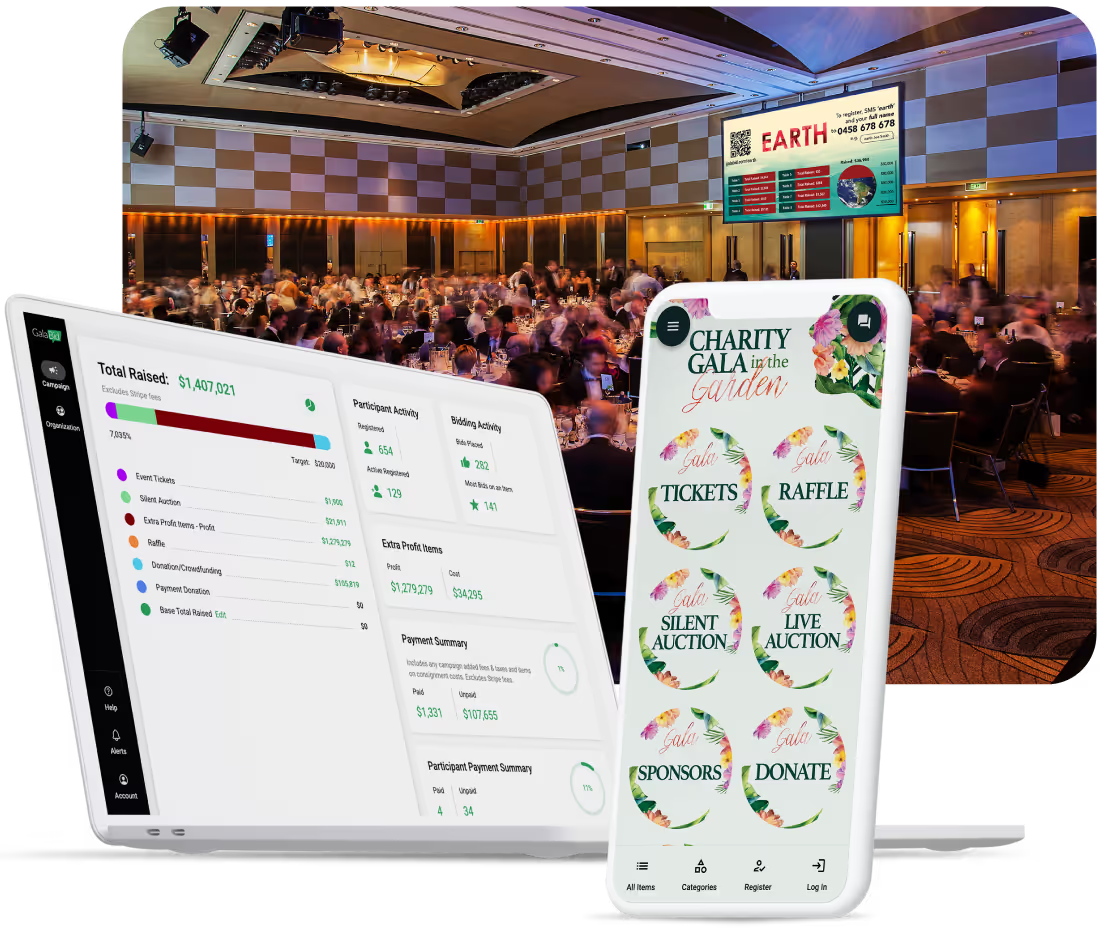
From boosting bidding activity to simplifying event-night logistics, our event features work together in one connected system - helping teams stay in control behind the scenes while guests enjoy a professional, effortless experience.
GalaBid is designed specifically for fundraising events, bringing together all the event tools nonprofits need to run smooth, engaging, and high-performing in-person experiences.






Leaderboards that drive energy in the room
Create friendly competition and keep momentum high with real-time leaderboards.
Display top bidders, donors, or fundraising teams and new activity pop ups to encourage participation, inspiring guests to increase their bids and contributions. It’s a powerful way to keep energy in the room and spotlight supporter generosity.
Personal shopper experience
Make it easy for guests to participate - even if they’re not using their own device.
GalaBid’s Volunteer accounts allow event staff to place bids, purchases, and donations on behalf of guests. Perfect for supporters who prefer a more traditional experience while still benefiting from a digital system.
SMS notifications for real-time engagement
During events, guests don’t always check email - but they do check their phones.
With SMS notifications, participants can receive:
- Outbid alerts
- Auction updates
- Event messages
Text messages help keep guests engaged in real time, increasing bidding activity and improving the overall experience.
Fast, frictionless checkout console
End the event with a checkout experience that’s quick and efficient.
Results appear instantly, making checkout fast and organized. That means no long lines and happy guests heading home after a great event.
The Checkout Console lets staff search by guest name, item name or item number.
WE NEVER HOLD YOUR FUNDSPaddle raise tools
Running a paddle raise? GalaBid makes it simple to record donations at speed.
Quickly record paddle numbers and donation amounts for smooth and efficient payment processing .
HOW PADDLE RAISE WORKSLive auction integration
Showcase live auction items before the auctioneer takes over, collect warm-up bids, and add winning bids directly into GalaBid for easy invoicing and payment.
MORE ABOUT LIVE AUCTIONEvent ticketing & check-in
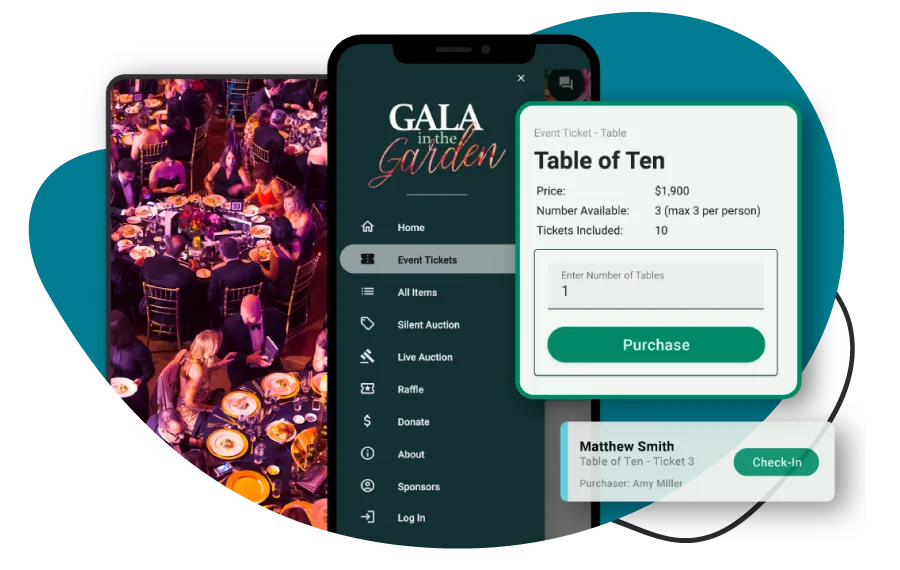
Sell tickets, manage guest lists, and streamline check-in — all within GalaBid.
Integrated event ticketing connects directly to your fundraising tools, streamlining the guest experience before during and checking out of the event .
EXPLORE TICKETING & CHECK-IN