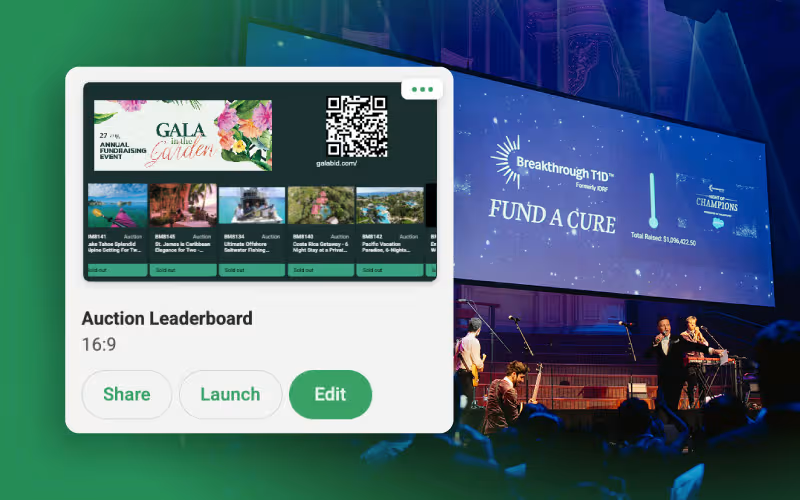
Projector displays are a fantastic way to bring your online auction into the room at an in-person event.
Show the highest bidder and current bid on each silent auction item, run your raffle draw on the big screen, or track how close you are to your fundraising target.
We've redesigned our Projector Display feature to make it easier than ever to set up your displays, customise them to suit your event and keep guests engaged throughout.
What you can create
- Auction leaderboards: show the highest bidder and current bid on your silent auction items, in a grid or list layout.
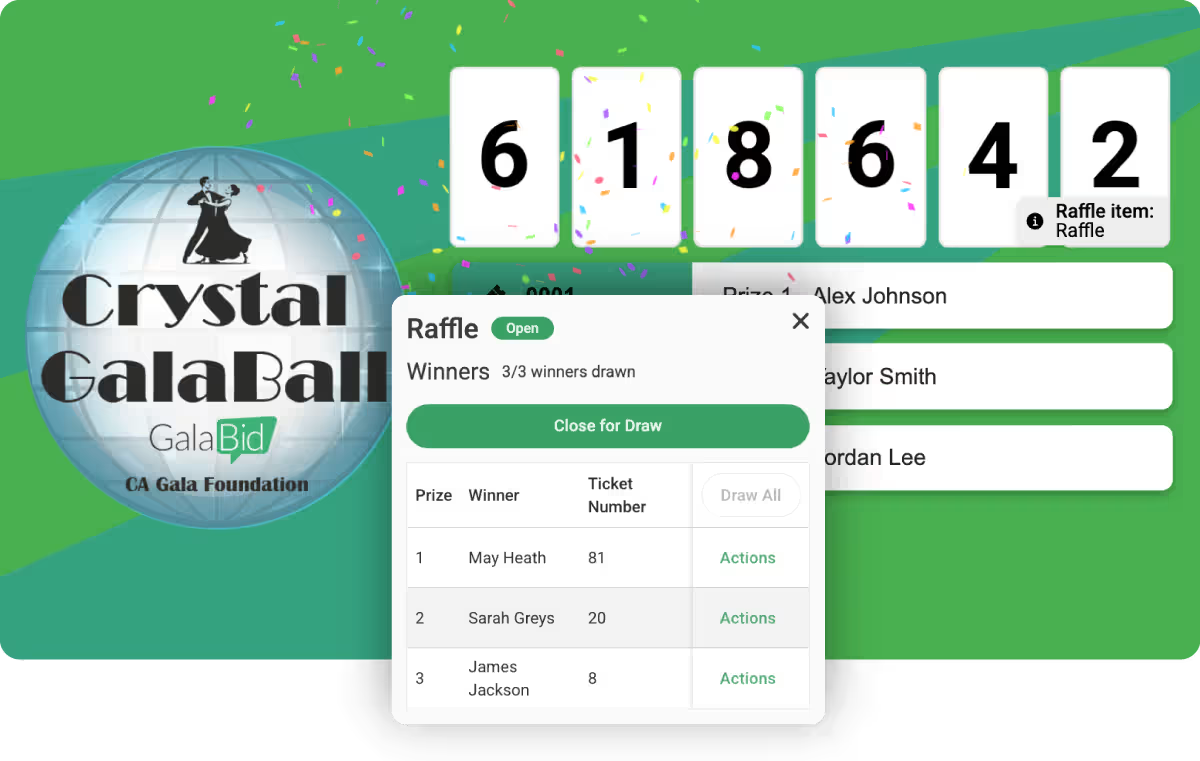
- Raffle draws: run your draw on screen and show the winners as they're drawn.
- Thermometer displays: track your progress towards your fundraising target, for the whole campaign or for donations only.
- Honour Rolls: showcase your donors and highlight your biggest supporters.
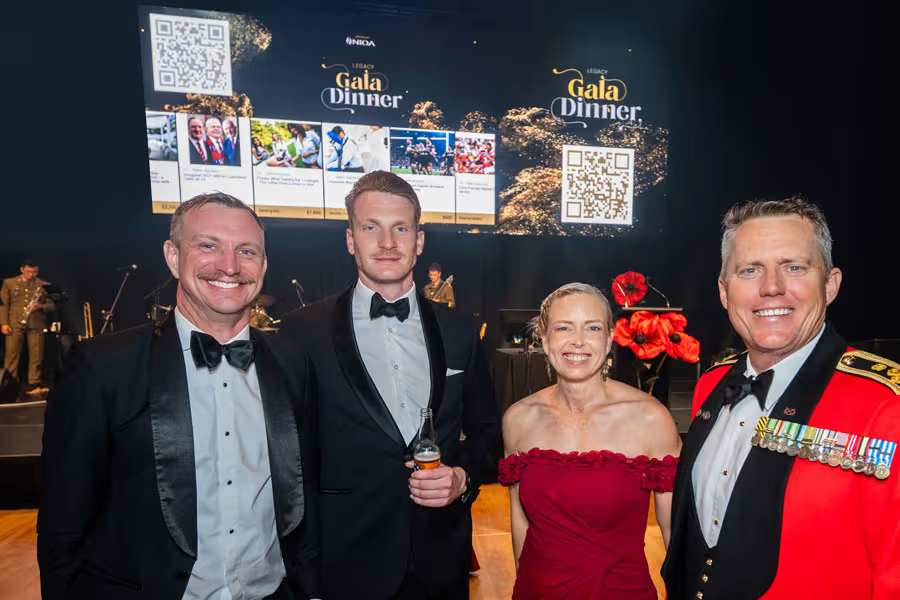
How it helps you and your guests
For you, the organiser:
- Set up your displays quickly, with no design skills needed.
- Match your displays to your event branding and your venue's screens.
- Preview your displays with test data.
- Recognise your biggest supporters for everyone in the room to see.
For your guests:
- See the names of the highest bidders.
- Know how long is left before the auction closes.
- Scan a QR code on the screen to register, bid or donate from their phone.
- Watch the total grow throughout the event.
What's new?
1. More flexibility
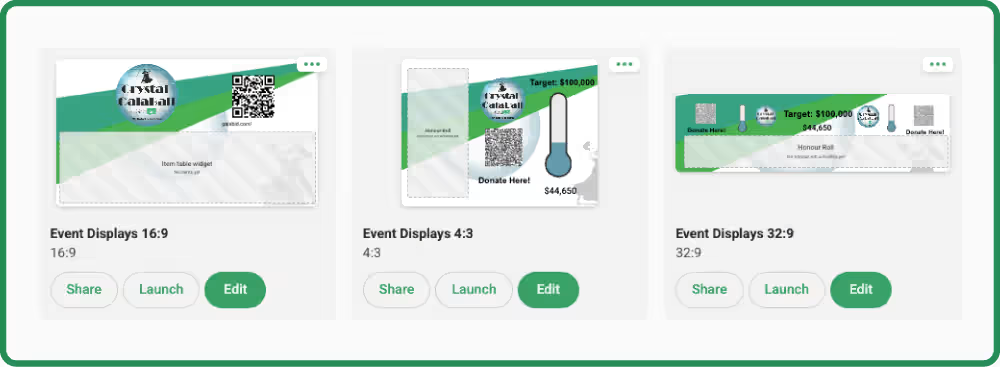
Choose your preferred aspect ratio when you create your display, so it fits your screens properly. Most TVs and monitors use 16:9, which is set as the default.
2. Easier customisation
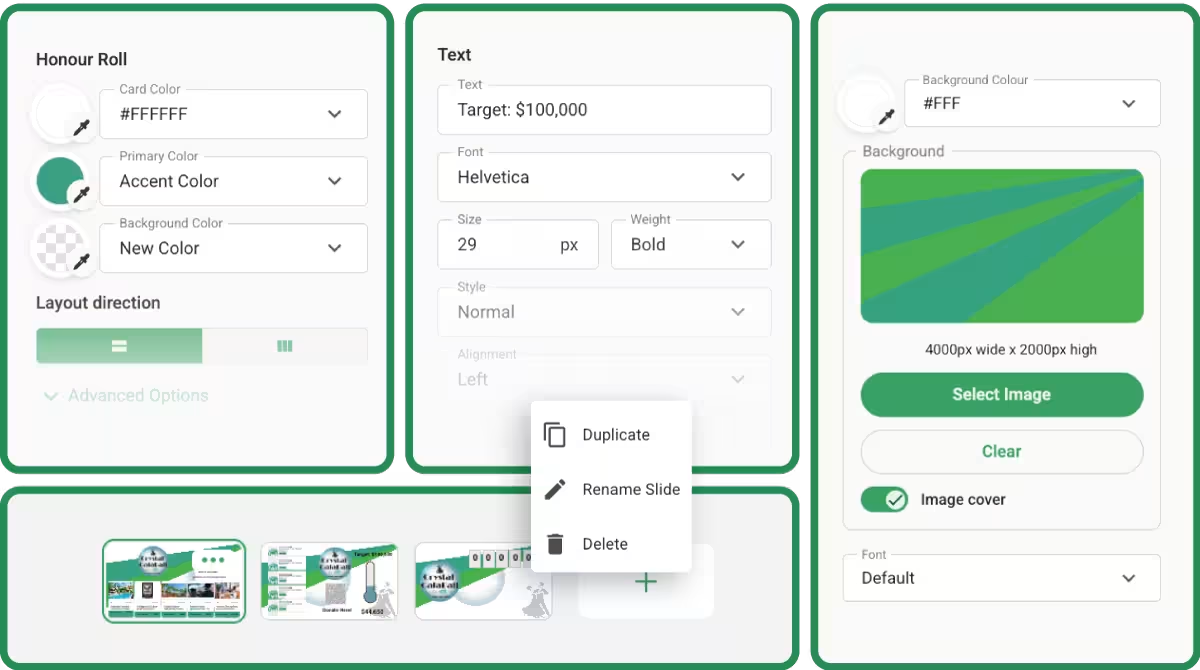
Add, resize, rearrange and remove display elements with ease. Simply add elements from the list on the left, then click and drag to move or resize them. Each element has its own settings on the right, such as layout, branding and which items to show.
3. More design options
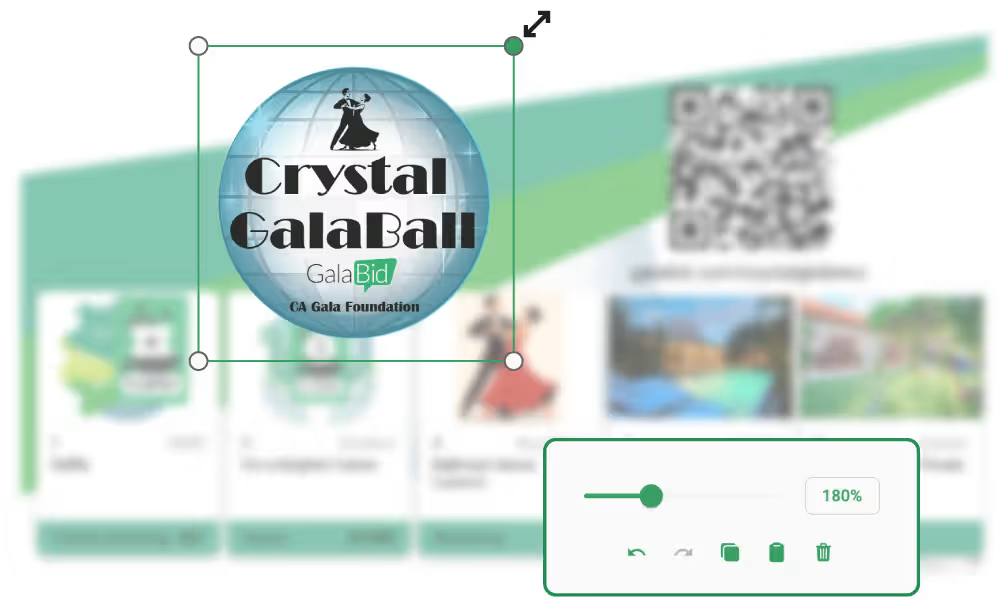
Customise your background, select fonts for your text and add your logo or other images, either from your campaign branding or from your device. You can also use the new zoom, copy, paste and delete tools to build your display at speed.
4. Engaging display elements
Alongside bid pop-ups, logos, countdown timers and thermometer trackers, we've introduced new display elements, including confetti explosions to celebrate your raffle draw winners! Bid pop-ups show who has just placed a bid and on which item, which is a great way to encourage some friendly competition in the room.
5. Power Pledge
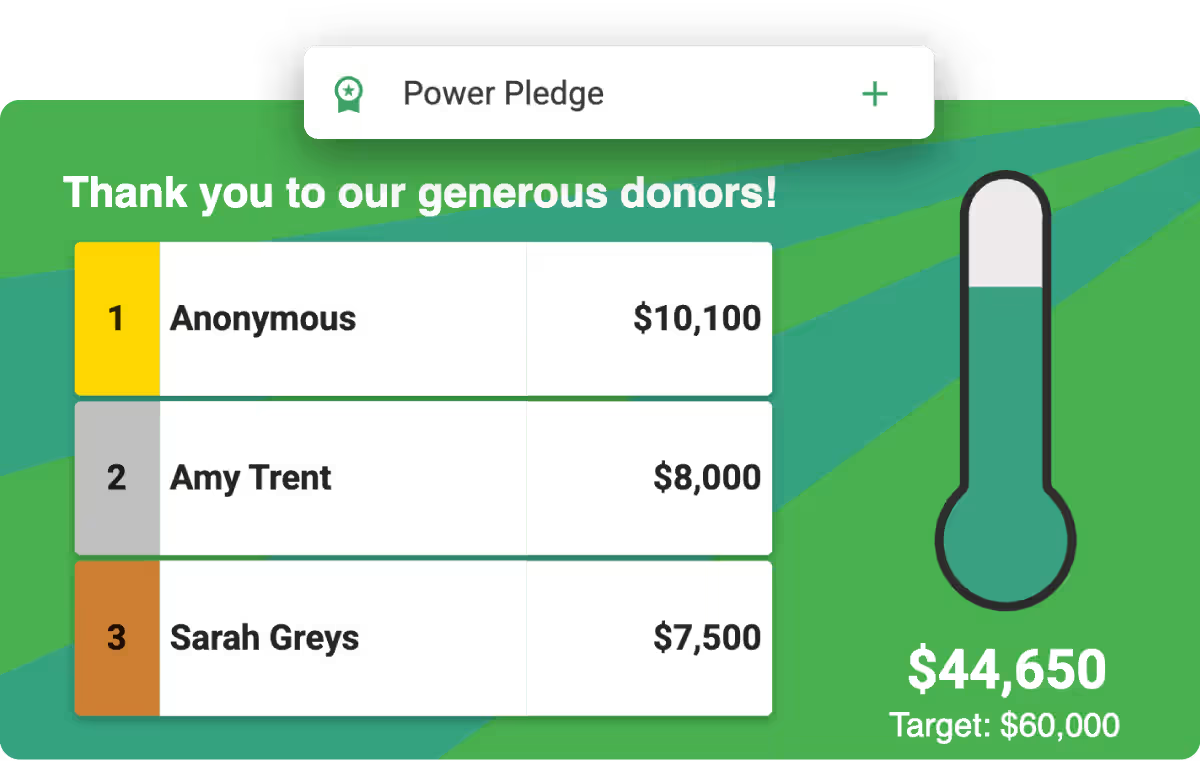
You can now showcase up to 20 of your top donors directly on your projector display. It's a great way to recognise generosity, celebrate your biggest supporters and inspire others to get involved.
How to set up your display
- Go to the Projector Displays tab on your campaign dashboard and click Add Projector.
- Name your display, choose your aspect ratio and click Create.
- Add the elements you'd like to use from the list on the left, then drag and resize them into place.
- Click Preview to see how it will look. When you're ready, click Launch and go full screen.
Tip: If you haven't added your items yet, turn on Use Test Data to see how your display will look on a full campaign.
Tip: Your QR code links to your campaign home page by default. You can change it to link to your donation page instead, so guests can donate straight away.
Step-by-step tutorials
We have step-by-step tutorials to guide you through each type of display:
- How to create an Auction Leaderboard
- How to set up a Raffle Draw display
- How to set up a Thermometer display
Get started
Already using GalaBid? The new Projector Displays are available now. Head to the Projector Displays tab in your campaign dashboard to get started.
New to GalaBid or have a question? Let's talk about how we can raise more at your next fundraiser.